

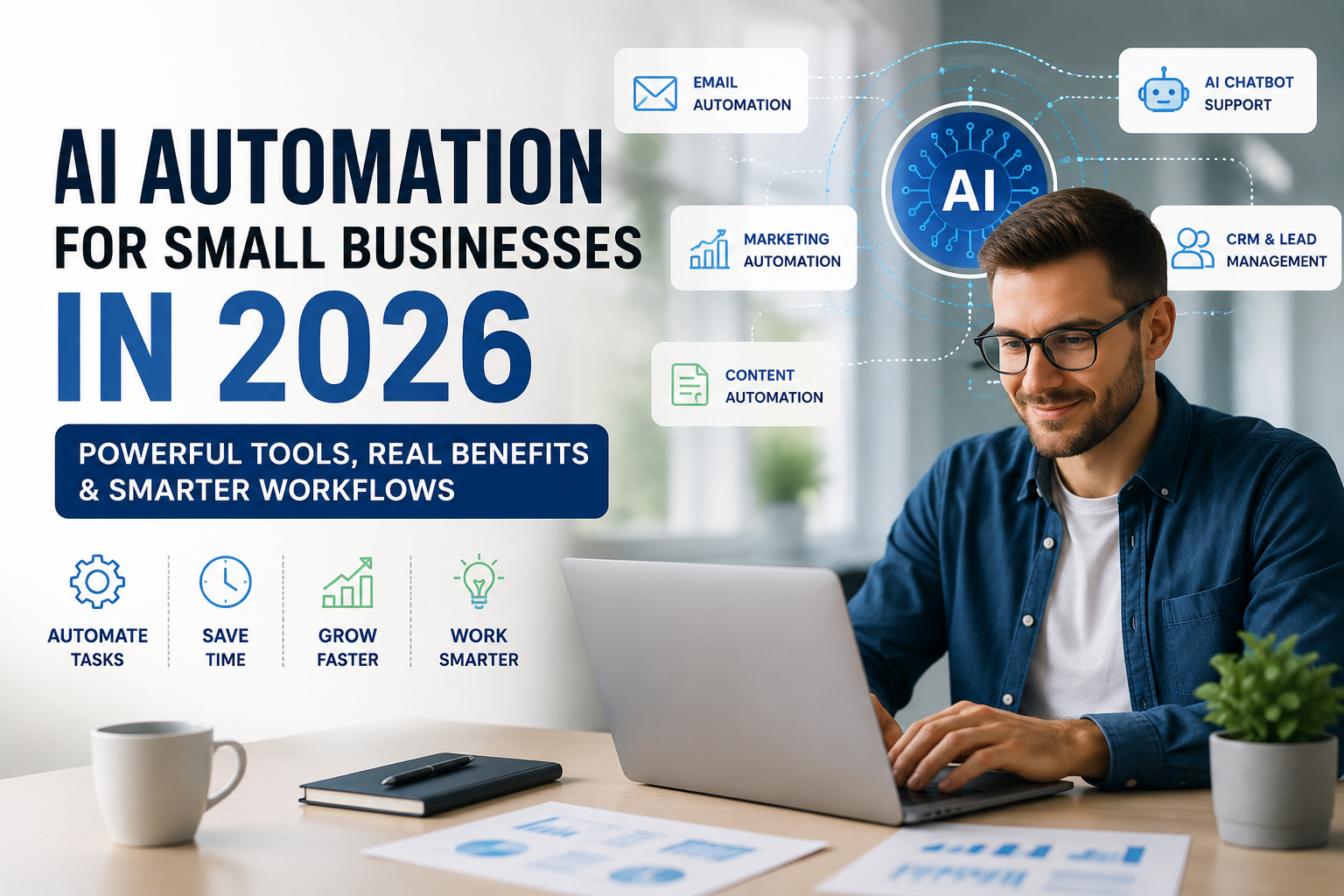
Most small business guides to AI automation list the same benefits and the same six tools everyone already knows about. What’s actually useful for a small business owner is narrower: which single workflow to automate first, what it realistically costs, and how to avoid the two or three mistakes that waste the most time and money. This guide covers the practical rollout, not just the pitch. For deeper coverage of specific automation categories, see our guides to AI marketing automation and AI agents.
Start With the Task That Costs You the Most Time
Before picking a tool, identify the single task eating the most hours in a typical week — answering the same customer questions repeatedly, manually entering data between systems, or scheduling and follow-ups. That task, not the most impressive-sounding automation, is where to start. Automating something rarely done saves little time; automating something done daily compounds quickly.
A Realistic 90-Day Rollout
| Phase | Focus |
|---|---|
| Weeks 1-2 | Identify your single highest-time-cost task and choose one tool to address it |
| Weeks 3-6 | Implement and closely monitor — check output quality daily, adjust settings as needed |
| Weeks 7-10 | Reduce oversight gradually as the automation proves reliable; measure actual time saved |
| Weeks 11-13 | Only then consider a second automated workflow, based on evidence the first one worked |
This is deliberately slower than adopting five tools at once. Small businesses that automate one workflow at a time tend to actually use what they’ve set up; businesses that adopt several tools simultaneously often end up paying for subscriptions nobody fully configured or adopted.
Where AI Automation Tends to Help Most for Small Businesses
- Customer support — a chatbot handling shipping questions, order status, and FAQs, escalating anything genuinely complex to a person.
- Email sequences — welcome emails and abandoned cart reminders that would otherwise never get sent consistently by hand.
- Scheduling and admin — appointment booking, invoicing, and basic data entry that consume disproportionate time relative to their complexity.
What Still Needs a Human
Brand voice, genuine relationship-building with key customers, and real strategic decisions shouldn’t be fully automated, even when the tools technically allow it. AI-assisted content still needs human editing for accuracy and originality — unedited AI output is increasingly easy for readers to spot and tends to erode trust rather than build it.
The Cost Question Most Guides Skip
Most AI automation tools offer a free or low-cost starting tier, which is exactly why it’s easy to accumulate five small subscriptions without noticing the combined cost. Before adding a new tool, check whether an existing tool already covers the need — many all-in-one platforms include automation features that go unused simply because a business defaulted to a specialized tool instead.
Common Mistakes
- Automating everything at once instead of proving one workflow works first.
- Subscribing to overlapping tools that duplicate features you already have.
- Removing human oversight too early, before the automation has proven reliable.
- Publishing unedited AI content, which readers increasingly notice and distrust.
Getting Started
Pick the one task costing you the most hours this week, choose a single tool to address it, and give it a real 90 days before judging results or adding anything else. That’s a slower start than the “automate everything” pitch most guides make, but it’s the version that actually gets implemented and used.
Author
Written by Alibashi Abdirahman Olad, founder and publisher of BashiOnline.
Disclaimer
This content is for educational purposes only. Results depend on implementation, business type, and consistency. Tool pricing and features change over time.
[…] AI Automation for Small Businesses in 2026: Powerful Tools & Real Benefits […]
[…] AI Automation for Small Businesses in 2026: Powerful Tools & Real Benefits […]