

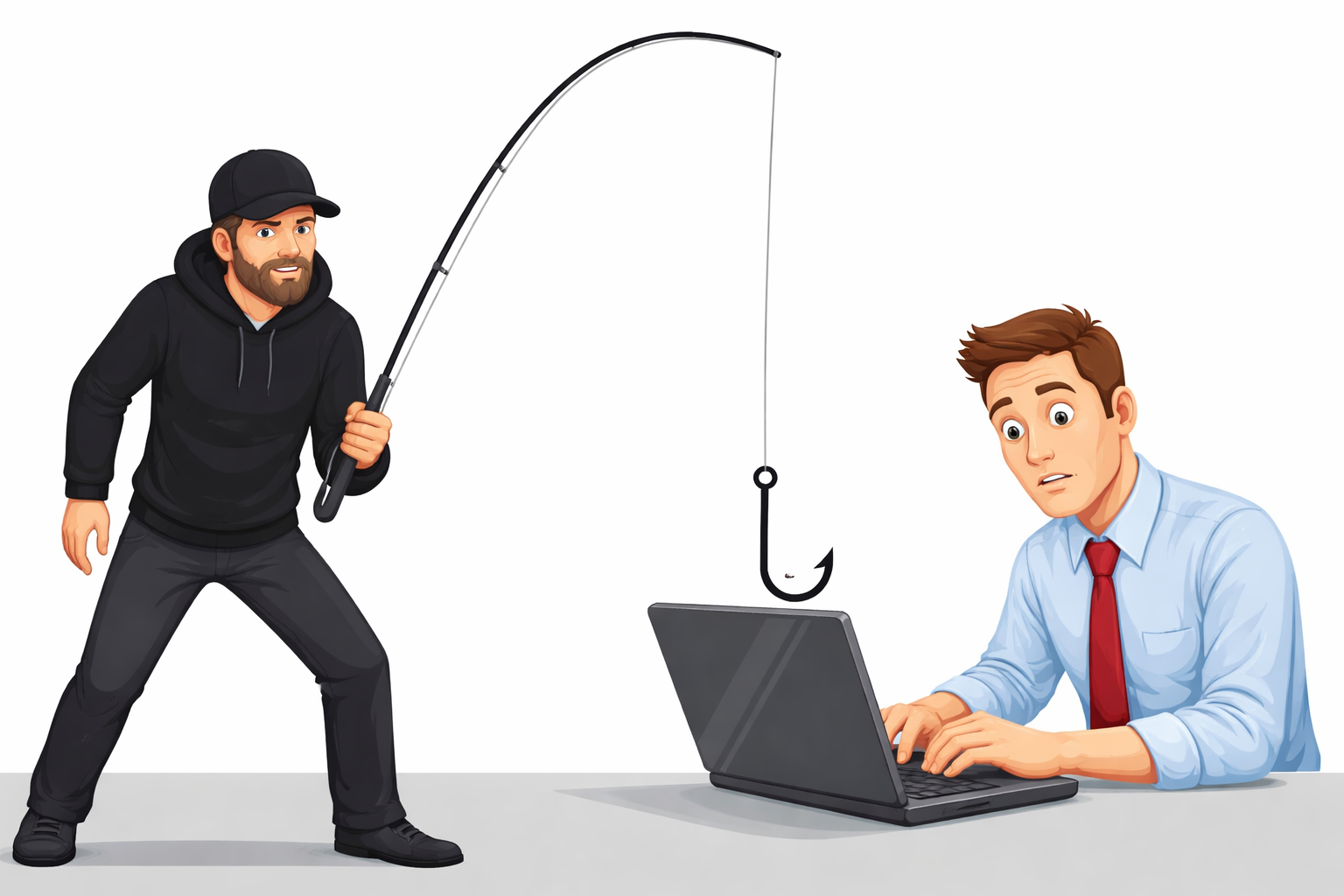
Most successful cyberattacks don’t rely on sophisticated hacking — they exploit ordinary human habits: reused passwords, one click on a convincing email, a phone left unlocked on public Wi-Fi. Verizon’s Data Breach Investigations Report has repeatedly found that a human element — error, a phishing click, or misuse of access — is involved in the majority of confirmed breaches, whether through error, a phishing click, or misuse of access. The good news is that the habits that prevent most of this are simple, and this guide walks through the ones that matter most.
1. Use a Password Manager, Not Memory
Reused and weak passwords remain one of the easiest ways into an account, because a single leaked password from one breach gets tried against every other account you own. The realistic fix isn’t “remember better passwords” — it’s using a password manager (1Password, Bitwarden, and LastPass are all common choices) to generate and store a unique, long password for every account. You only need to remember one master password.
2. Turn On Two-Factor Authentication Everywhere It’s Offered
Two-factor authentication (2FA) means a stolen password alone isn’t enough to get into your account — the attacker also needs your phone or authenticator app. An app-based authenticator (Google Authenticator, Authy, or your password manager’s built-in option) is more secure than SMS codes, which can be intercepted through SIM-swapping attacks. Prioritize enabling 2FA on email, banking, and any account tied to password resets for other services — those are the accounts attackers target first because they unlock everything else.
3. Keep Software Updated — Especially the Boring Stuff
Software updates aren’t just new features; most patch known security vulnerabilities that attackers actively scan for. Operating systems, browsers, and security software should update automatically wherever that setting exists. Delaying updates by even a few weeks leaves a known, documented hole in your defenses — attackers specifically target systems that are slow to patch.
4. Treat Every Unexpected Link or Attachment With Suspicion
Phishing works because it creates urgency — a fake invoice, a suspended-account warning, a message that appears to come from your boss. Before clicking, check the actual sender address (not just the display name), hover over links to see the real destination, and never enter credentials on a page you reached by clicking an email link. If in doubt, go to the service directly by typing the URL yourself rather than clicking through.
5. Be Deliberate About Public Wi-Fi
Open Wi-Fi networks at cafes, airports, and hotels make it easier for someone else on the same network to intercept unencrypted traffic. A reputable VPN encrypts your connection on untrusted networks, which matters most when you’re logging into banking, email, or work systems away from home. At minimum, avoid sensitive logins on public Wi-Fi entirely if you don’t have a VPN available.
6. Run Real-Time Security Software
Built-in protection (Windows Defender, macOS’s XProtect) has improved significantly and is genuinely adequate for many users. If you want additional coverage — particularly for real-time phishing and malicious-site blocking — established options like Bitdefender or Malwarebytes are reasonable choices. The tool matters less than making sure something is actually running and updating.
7. Back Up Data Automatically, Not Manually
Manual backups fail because people forget to do them. Set up automatic, ongoing backups — either to a cloud service (Google Drive, iCloud, Backblaze) or an external drive on a schedule — so a ransomware infection or hardware failure doesn’t cost you everything. Following the standard “3-2-1” approach (three copies, two different storage types, one offsite) is a reasonable target for anything you can’t afford to lose.
8. Limit What You Share Publicly
Attackers use publicly available details — your pet’s name, your employer, your hometown — to guess security question answers or craft convincing phishing messages. Reviewing your social media privacy settings and being deliberate about what’s publicly visible reduces the raw material available for social engineering.
9. Check Your Accounts for Unusual Activity
Most services now show recent login activity and let you set up alerts for new sign-ins from unfamiliar devices or locations. Checking this periodically — and acting immediately on anything unfamiliar — is often the difference between catching a compromised account early and discovering it only after real damage is done.
10. Stay Roughly Current on How Threats Are Changing
You don’t need to follow security news daily, but knowing the broad shape of current threats — AI-generated phishing that’s harder to spot, SIM-swapping, credential-stuffing attacks using leaked password databases — helps you recognize something unusual when it happens to you. A yearly check-in with a source like the Verizon DBIR or CISA’s basic safety guidance is enough for most people.
Secure Your Phone the Same Way You Secure Your Computer
Phones tend to get less security attention than laptops, despite holding just as much sensitive information. Only install apps from official app stores (Google Play, the Apple App Store) — sideloaded apps from other sources are a common malware vector. Review app permissions periodically and revoke access that no longer makes sense for what an app actually does (a flashlight app doesn’t need your contacts). Keep a screen lock enabled, and use biometric unlock plus a strong passcode rather than a simple pattern.
What to Do If You Think You’ve Been Hacked
If you notice signs of compromise — password reset emails you didn’t request, unfamiliar logins, contacts receiving strange messages from you — acting quickly limits the damage:
- Secure your email first. Email is usually the account that can reset everything else, so change that password immediately and enable 2FA if it isn’t already on.
- Change passwords on other affected accounts, starting with banking and anything storing payment information.
- Sign out of all sessions from the account settings of any compromised service — most major platforms have a “log out of all devices” option.
- Check financial accounts for unfamiliar transactions and contact your bank or card provider if you find any.
- Run a security scan on the affected device using your existing security software.
- Report identity theft or financial fraud to IdentityTheft.gov (FTC), which provides a step-by-step recovery plan specific to your situation.
Quick Security Checklist
- Unique passwords on important accounts, managed with a password manager
- 2FA enabled on email, banking, and social accounts
- Automatic updates turned on for OS, browser, and security software
- Automatic backups running on a schedule
- App permissions reviewed on your phone in the last few months
- Login activity checked periodically for anything unfamiliar
The Habits That Matter Most
If you only do three things from this list, make them a password manager, two-factor authentication on your most important accounts, and automatic backups. Those three habits address the majority of the ways ordinary people actually get compromised, and none of them require technical expertise — just the discipline to set them up once and let them run.
If you’re considering cybersecurity as more than a personal habit — as a career path, for instance — our guide on why cybersecurity skills are becoming more valuable than coding looks at where the field is heading.
Author
Written by Alibashi Abdirahman Olad, founder and publisher of BashiOnline.
Disclaimer
This article is for educational purposes only. Security practices may vary depending on individual needs and environments.
[…] Cybersecurity Tips: How to Protect Your Data in the Digital Age 2026 […]