

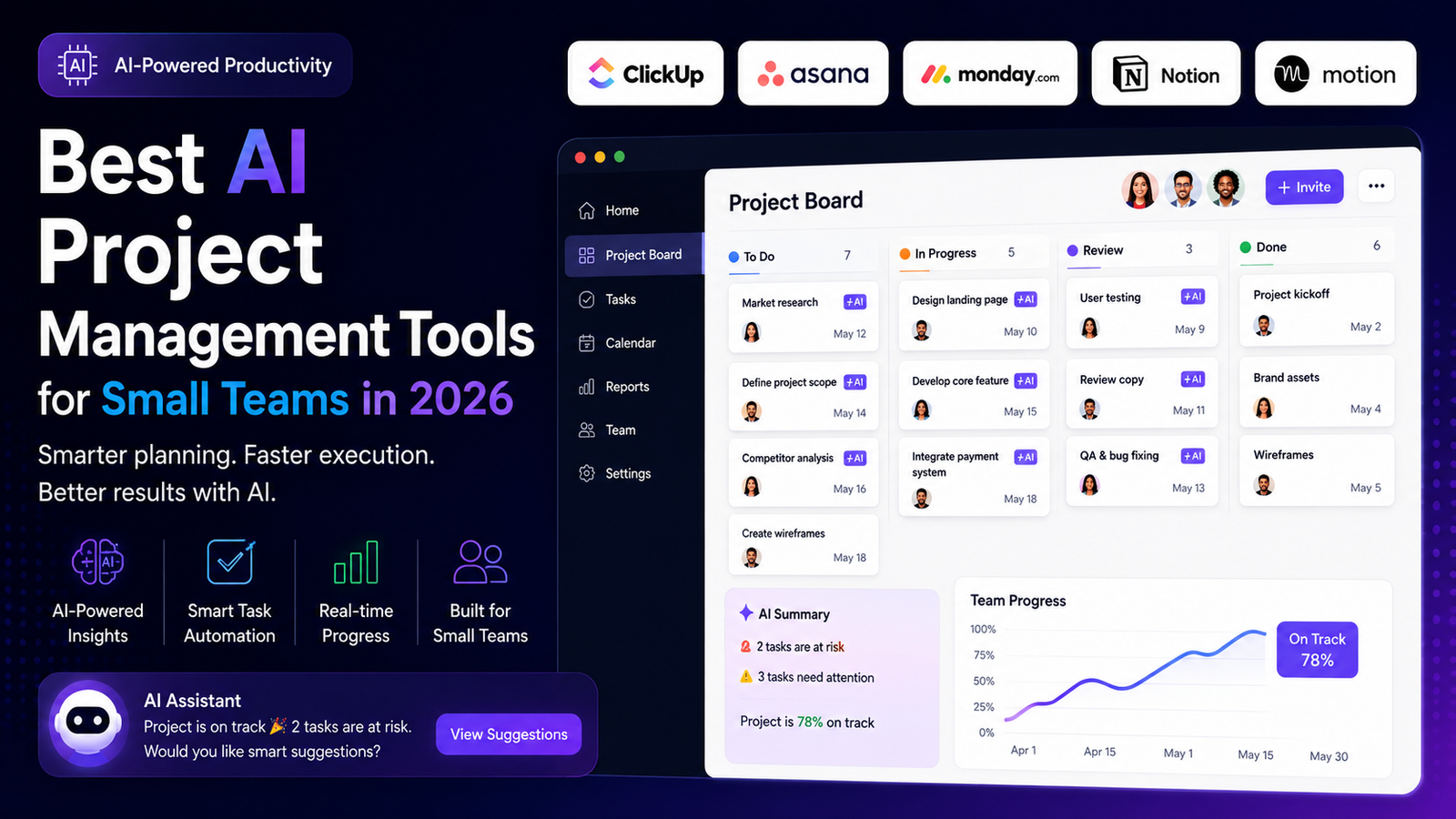
Most “best AI project management tools” roundups compare feature lists and stop there. What they usually skip is the part that actually determines whether a small team can afford to use these tools long-term: AI in most of these platforms isn’t included in the base price you see advertised, and the usage is often metered. This guide covers the tools genuinely worth considering for a small team in 2026, and specifically what the AI layer costs and requires once you look past the marketing page.
Table of Contents
- What “AI Project Management” Actually Means Now
- Comparing the Best AI Project Management Tools
- The Cost Most Comparisons Leave Out
- Where Your Project Data Actually Goes
- How to Choose for a Small Team Specifically
- Common Mistakes Small Teams Make
- Final Recommendation
What “AI Project Management” Actually Means Now
A couple of years ago, AI in project management software meant a writing assistant bolted onto a task description field. That’s changed. The tools below now use AI for things that actually remove work from a manager’s plate: generating status updates from raw task activity, flagging tasks that are quietly falling behind schedule, summarizing meetings into assigned action items, and in some cases handling multi-step workflows on their own rather than just suggesting the next step.
That’s a genuine shift, but it’s also why pricing has gotten more complicated — the more autonomous the AI feature, the more likely it’s metered separately from your seat cost.
Comparing the Best AI Project Management Tools
| Tool | AI Strength | Starting Paid Plan | AI Included or Add-On |
|---|---|---|---|
| ClickUp | Super Agents (multi-step workflow automation) | $7/user/mo (Unlimited) | Add-on: $9–$28/user/mo extra |
| Asana | AI status reports, Smart Status | $10.99/user/mo (Starter) | Included, credit-based on some tiers |
| Monday.com | Sidekick assistant, AI blocks, formula builder | $9/user/mo (Basic) | Credit-based (1,000–3,000/mo by plan) |
| Notion | AI-assisted docs and workspace search | Free – paid tiers vary | Often a separate AI add-on |
| Motion | Automatic scheduling and calendar optimization | Premium positioning | Included, priced into the plan |
Pricing and AI credit allowances change frequently — confirm current numbers on each provider’s own pricing page before budgeting, especially since several of these vendors update AI credit limits more often than their base seat pricing.
ClickUp
ClickUp‘s AI, branded Brain, now includes “Super Agents” that can be @mentioned in a chat or assigned a task directly, and can carry out multi-step work like turning a feature request into a structured brief. That’s genuinely more capable than a suggestion box. The catch, confirmed directly on ClickUp’s own pricing page, is that this AI layer is a paid add-on on top of the Unlimited ($7/user/mo) or Business ($12/user/mo) plans — not bundled in. For a 10-person team, that add-on alone can add roughly as much to the bill as the base subscription itself.
Asana
Asana‘s AI is more assistive than autonomous — it works within Asana’s existing structure rather than building or running independent workflows. Its strongest feature is Smart Status, which generates project updates by analyzing task completion, blockers, and timeline shifts, which several independent reviews estimate saves a meaningful chunk of a manager’s weekly reporting time. Asana is also SOC 2 Type 1 and Type 2 compliant with ISO 27001 and ISO 27701 certification, which matters if your team handles client data under a security review. Starter plans begin at $10.99/user/month.
Monday.com
Monday.com‘s AI assistant, Sidekick, acts as a single entry point for AI actions across boards and documents — content generation, formula help, task summarization, and predictive insights. It runs on a monthly AI credit system (1,000–3,000 credits depending on plan) rather than unlimited use, so a team that leans on AI heavily can burn through the allowance before the billing period resets. Monday.com’s visual board interface tends to be the easiest of this group for non-technical teams to adopt quickly.
Notion
Notion isn’t a dedicated project management tool in the way the others are — it’s a flexible workspace that can be configured into one. That flexibility is the appeal for small teams that also want a wiki, docs, and a lightweight database in the same place, but it means more setup time upfront compared to a purpose-built PM tool with ready-made templates. Notion AI is generally sold as a separate add-on rather than bundled into every workspace plan.
Motion
Motion takes a different approach entirely: instead of a board you update manually, it automatically schedules your tasks onto your calendar based on deadlines, priorities, and how long you say each task will take. Independent comparisons consistently note it as the most aggressive tool in this category for automatic scheduling. It sits at a premium price point relative to the others here, and it’s a better fit for individuals and small teams focused on personal task scheduling than for teams that need shared boards, client-facing views, or portfolio-level reporting.
The Cost Most Comparisons Leave Out
The advertised per-seat price on most of these tools is not the price of using their AI features. ClickUp’s AI add-on is the clearest example — it’s priced and billed separately from the Unlimited or Business plan, confirmed directly on ClickUp’s pricing page. Monday.com bundles AI into its plans but meters it through a monthly credit allowance that can run out before the month does if a team uses it heavily. Before comparing base subscription prices across these tools, check whether the AI features you actually want to use are included, credit-limited, or a separate paid tier — that distinction changes the real cost of “the AI plan” substantially, sometimes by more than the seat price itself.
Where Your Project Data Actually Goes
A question worth asking before adopting any of these tools, and one that rarely gets asked in comparison articles: does the AI feature process your project data through a third-party model, or does it stay inside the platform’s own infrastructure? Vendors vary here, and the answer matters more for teams handling client contracts, financial data, or anything under an NDA. Each vendor publishes an AI data-handling policy — it’s worth reading before connecting a client-facing workspace to any AI feature, rather than assuming the answer.
How to Choose for a Small Team Specifically
- If ease of adoption matters most: Monday.com’s visual boards tend to get non-technical teams up and running fastest.
- If you want AI reporting without managing a separate AI budget: Asana’s Smart Status is built into its structure rather than sold as a bolt-on tier.
- If you need the most capable automation and don’t mind paying for it separately: ClickUp’s Super Agents go furthest, but budget for the AI add-on as a real line item, not an afterthought.
- If your team already lives in a flexible workspace tool: Notion can absorb project management without adding a new app, at the cost of more setup work.
- If the real problem is personal task scheduling, not team coordination: Motion solves a narrower problem well but isn’t built for shared team boards.
Common Mistakes Small Teams Make
- Budgeting for the seat price only, then discovering the AI features that sold them on the tool cost extra.
- Rolling AI out to the whole team at once instead of testing it with a few users first to see how fast the credit allowance actually gets consumed.
- Connecting client-facing data to AI features without checking the vendor’s data-handling policy first.
- Choosing the tool with the longest feature list instead of the one that matches how the team actually plans to work day to day.
Final Recommendation
There isn’t a single best AI project management tool for every small team — there’s a best fit for how the team already works and what it’s willing to pay for once AI is priced in honestly. Asana is the more predictable starting point for a small team that wants AI reporting without a separate AI budget line. ClickUp is the stronger pick if the team genuinely needs autonomous multi-step automation and can absorb the add-on cost. Whichever tool you evaluate, price out the AI tier specifically — not just the base seat cost — before comparing totals, since that’s where most of these tools actually diverge.
If your team is also formalizing its broader tech stack, our guide to AI automation for small businesses covers how to sequence tool adoption without overspending on the first few months.
Frequently Asked Questions
Is AI project management software worth it for a small team?
Often yes for status reporting and deadline tracking specifically, since those are the features with the clearest time savings. It’s worth less for teams that don’t yet have consistent project management habits — AI amplifies an existing process, it doesn’t replace the need for one.
Does the AI in these tools replace a project manager?
No. It automates specific reporting and scheduling tasks; it doesn’t make prioritization decisions or manage stakeholder relationships.
Which tool has the most affordable AI features?
Based on published pricing, Asana bundles AI reporting into its structure without a separate add-on fee, which makes budgeting more predictable than ClickUp’s separately priced AI tier.
Author
Written by Alibashi Abdirahman Olad, founder and publisher of BashiOnline.
Disclaimer
Pricing, AI credit allowances, and feature availability for third-party software change frequently; verify current details on each provider’s official pricing page before purchasing. This article does not contain affiliate links to the products mentioned.