

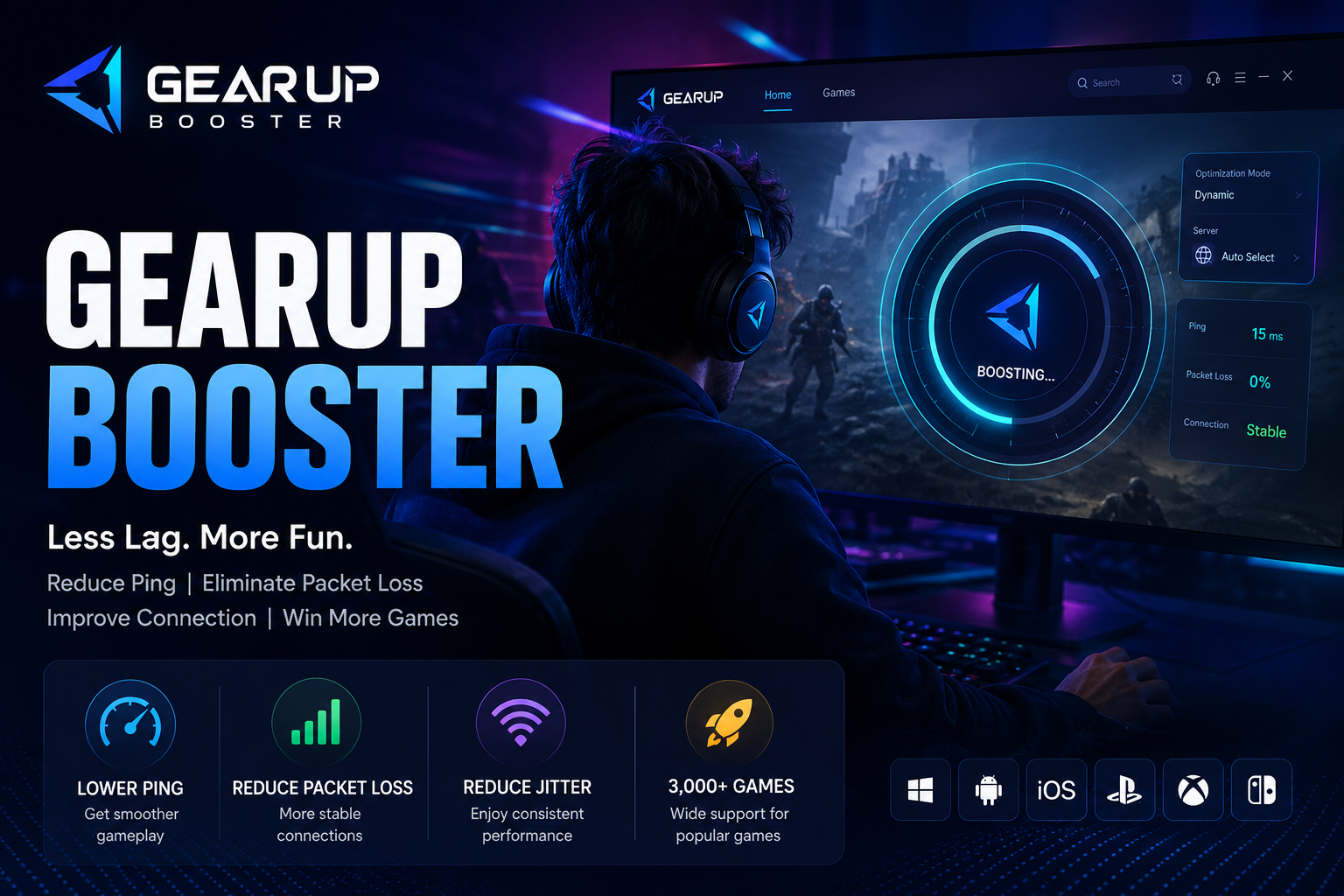
If you play online games, you know how frustrating high ping, packet loss, and unstable connections can be. Even with a good internet connection, online games may still suffer from lag because of network congestion, inefficient routing, or the distance between your device and the game server.
GearUP Booster is a gaming network optimization service designed to help gamers improve connection stability and reduce problems such as high ping, packet loss, and jitter.
In this GearUP Booster review, we’ll look at how it works, its main features, supported platforms, pros and cons, and whether it is worth trying in 2026.
Disclosure: This article contains affiliate links. If you purchase GearUP Booster through our affiliate link, Bashionline may earn a commission at no additional cost to you.
What Is GearUP Booster?
GearUP Booster is software designed specifically for optimizing gaming network connections.
Instead of increasing your internet package speed or upgrading your computer hardware, GearUP focuses on the route that your gaming data takes between your device and the game server.
According to GearUP, the service supports more than 3,000 games and has millions of monthly active users.
For gamers who frequently experience high latency, packet loss, or unstable connections, a network optimization tool like GearUP can be worth testing.
How Does GearUP Booster Work?
When you play an online game, information travels between your device and the game’s server through different network routes.
Sometimes the route used by your internet provider may be congested or inefficient. This can result in increased latency, packet loss, or unstable gameplay.
GearUP uses its Adaptive Intelligent Routing (AIR) technology to optimize gaming traffic and select potentially better network routes.
In simple terms, imagine that you’re driving to the same destination using a crowded road. If another route is less congested, you may reach the destination more efficiently.
GearUP applies a similar concept to gaming network traffic.
However, it is important to understand that GearUP does not increase the physical bandwidth of your internet connection. Its purpose is to optimize the connection route used for gaming.
What Problems Can GearUP Booster Help With?
1. High Ping
Ping measures the time it takes for data to travel between your device and the game server.
High ping can cause noticeable delays in online games, particularly competitive multiplayer titles.
GearUP is designed to optimize network routing to help reduce latency where possible.
2. Packet Loss
Packet loss happens when some data packets fail to reach their destination.
In an online game, packet loss can result in:
- Characters suddenly moving
- Delayed actions
- Temporary freezes
- Connection interruptions
- Poor multiplayer performance
GearUP focuses on network routing that may help reduce packet loss caused by problematic routes.
3. Jitter
Jitter refers to variations in latency.
For example, your connection might show:
40ms → 45ms → 120ms → 50ms → 150ms
Even if your average ping looks acceptable, these sudden changes can make gameplay feel unstable.
GearUP is designed to help provide a more stable gaming connection by optimizing network routes.
4. Cross-Region Gaming
Players who connect to game servers outside their home region can sometimes experience higher latency or unstable connections.
GearUP supports network optimization for different gaming regions, making it particularly relevant for players who regularly play games hosted on international servers.
GearUP Booster Supported Games
One of GearUP’s notable features is its large game library.
The company currently advertises support for 3,000+ games.
This makes GearUP more versatile than a tool designed around only one or two specific games.
Depending on your platform and game, you may be able to optimize connections for popular multiplayer titles across different gaming categories.
Before subscribing, however, it is worth checking whether your specific game is supported.
Does GearUP Booster Work on PC and Consoles?
GearUP supports multiple gaming platforms.
Its website currently lists support for platforms including:
- Windows
- Android
- iOS
- PlayStation
- Xbox
- Nintendo Switch
- Steam Deck
- PICO
- Oculus Quest
Features and availability can vary depending on the platform, so gamers should check the current compatibility information before choosing a subscription.
GearUP Booster vs. a VPN
GearUP Booster and VPN services can look similar because both can influence how internet traffic is routed, but they have different primary purposes.
A traditional VPN is generally designed to route broader internet traffic through VPN servers, often with privacy and encryption as major goals.
GearUP is specifically focused on gaming network optimization.
Its primary purpose is to improve the route used by gaming traffic rather than act as a general-purpose privacy VPN.
Therefore, a gamer looking specifically for network optimization may find a dedicated gaming service more relevant than a standard VPN.
Is GearUP Booster Safe?
Safety is naturally an important consideration when installing third-party gaming software.
According to GearUP’s official information, its service focuses on network optimization rather than modifying game files or changing gameplay.
As with any software, gamers should download GearUP from its official website rather than from unknown third-party download sites.
Visit the Official GearUP Booster Website →
Who Should Use GearUP Booster?
GearUP may be worth testing if you regularly experience:
- High ping
- Packet loss
- Unstable connections
- Jitter
- Cross-region connection problems
- Gaming latency that seems unrelated to your internet speed
It can be particularly interesting for competitive multiplayer gamers because connection stability can have a significant impact on gameplay.
Who May Not Need GearUP Booster?
Not every gamer needs a network optimizer.
You may not need GearUP if:
- Your ping is already consistently low.
- You rarely experience packet loss.
- Your connection is already stable.
- Your main problem is weak PC hardware.
- Your Wi-Fi signal is poor.
- Your game is experiencing server-side problems.
For example, if your computer does not meet a game’s hardware requirements, a network optimization service cannot upgrade your GPU or increase your RAM.
Likewise, if your Wi-Fi connection is constantly disconnecting, improving your router, moving closer to it, or switching to Ethernet may be a better first step.
How to Use GearUP Booster
Getting started is relatively simple.
Step 1: Download GearUP
Visit the official GearUP website and download the version appropriate for your platform.
Step 2: Install the Application
Install GearUP and open the application.
Step 3: Select Your Game
Search for the game you want to optimize.
Step 4: Choose Your Gaming Region
Depending on the game and platform, select the appropriate server or region.
Step 5: Start Boosting
Activate the boost and test your gaming connection.
For the best evaluation, compare your connection before and after using GearUP.
Pay attention to:
- Ping
- Packet loss
- Jitter
- Connection stability
This gives you a better idea of whether the service actually benefits your particular setup.
Does GearUP Booster Work for Everyone?
No network optimization service can guarantee identical results for every gamer.
The results you experience can depend on several factors, including:
- Your geographical location
- Internet service provider
- Distance from the game server
- Game server location
- Network congestion
- Wi-Fi or Ethernet connection
- Existing network routing
- Time of day
A gamer experiencing poor routing to an overseas server may notice a significant difference, while someone who already has an efficient connection may see little improvement.
That’s why testing the service with your own games is more useful than relying only on someone else’s experience.
GearUP Booster Pros and Cons
| Pros | Cons |
|---|---|
| Designed specifically for gaming connections | Results vary depending on network conditions |
| Supports thousands of games | Does not upgrade computer hardware |
| Focuses on ping and connection stability | Not necessary for every gamer |
| Supports multiple platforms | Continued premium use may require payment |
| Easy to use | Benefits depend on your existing connection |
| Free trial available | Some features vary by platform |
Is GearUP Booster Worth It in 2026?
Whether GearUP is worth paying for depends largely on your current gaming connection.
If your internet connection is already stable and you consistently have low ping, you may not notice a major difference.
On the other hand, if you frequently experience high ping, packet loss, jitter, or unstable connections—particularly when connecting to servers in other regions—GearUP may be worth testing.
The best approach is to test it yourself rather than assuming that every gamer will experience the same improvement.
Final Verdict
GearUP Booster takes a focused approach to one of the most frustrating problems in online gaming: network performance.
It does not upgrade your computer hardware or increase the bandwidth provided by your internet plan. Instead, it focuses on optimizing the network routes used by gaming traffic.
With support for thousands of games and multiple gaming platforms, GearUP is an interesting option for players dealing with high ping, packet loss, jitter, or cross-region connection problems.
However, the results can vary from one gamer to another.
Our recommendation: If network latency and connection instability are regularly affecting your gaming experience, GearUP Booster is worth testing. If your connection is already fast, stable, and low-latency, you may not need an additional gaming network optimizer.
Try GearUP Booster and Test Your Connection →
Frequently Asked Questions
What is GearUP Booster?
GearUP Booster is a gaming network optimization service designed to help improve connection stability and address issues such as high ping, packet loss, and jitter.
Does GearUP Booster reduce ping?
GearUP is designed to optimize gaming network routes, which can potentially reduce latency. However, the actual improvement depends on your location, ISP, game server, and existing network conditions.
Does GearUP increase internet speed?
No. GearUP does not increase the bandwidth of your internet plan. It focuses on optimizing the route used by gaming traffic.
Is GearUP Booster a VPN?
Not exactly. Although both can affect network routing, GearUP is specifically designed for gaming network optimization rather than being a general-purpose VPN.
How many games does GearUP support?
GearUP currently advertises support for more than 3,000 games.
Does GearUP work on consoles?
Yes. GearUP lists support for several console platforms, including PlayStation, Xbox, and Nintendo Switch, in addition to PC and mobile platforms.
Is GearUP Booster free?
GearUP offers a free trial for eligible users. Continued premium features may require a subscription.
Is GearUP Booster worth it?
It can be worth testing if you regularly experience high ping, packet loss, jitter, or unstable gaming connections. The benefit depends on your individual network conditions.
Affiliate Disclosure: This article contains affiliate links. If you purchase GearUP Booster through our links, Bashionline may receive a commission at no additional cost to you. Affiliate partnerships do not influence our editorial opinions.
Try GearUP Booster and Test Your Connection →