

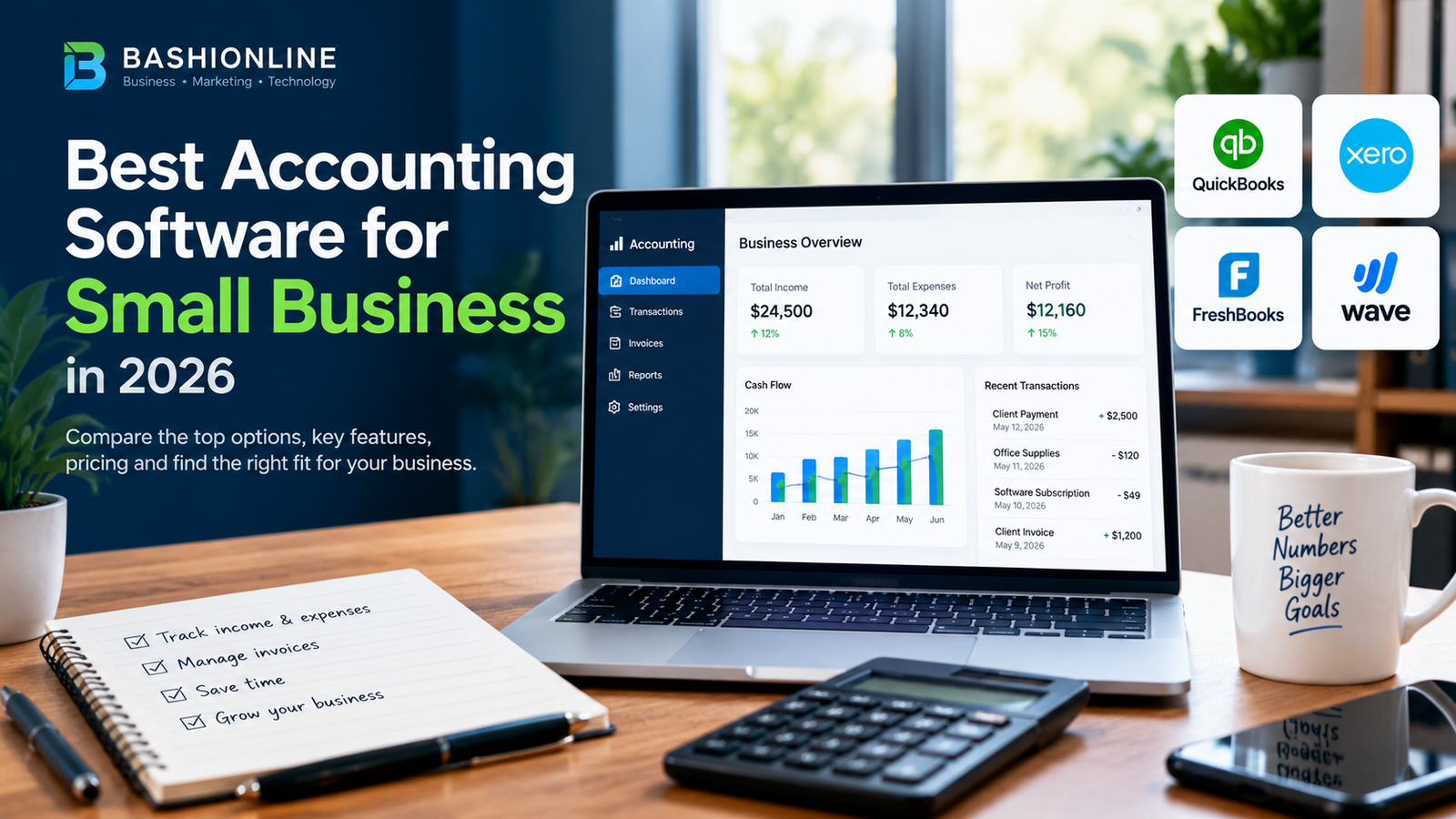
QuickBooks and Xero have both raised prices multiple times in 2026, and Xero has already confirmed another increase for October 1, 2026 — directly on its own pricing page, as of this writing. If you’re comparing accounting software based on numbers from even a few months ago, they’re probably already stale. This guide to the best accounting software for small business compares current list pricing verified directly from each vendor’s official pricing page, plus the structural difference that ends up mattering more than the sticker price for a lot of small businesses: how each platform charges for additional users.
Table of Contents
- Comparing the Best Accounting Software for Small Business
- The Real Cost Driver: How Each Platform Prices Extra Users
- Why Your Accountant’s Preference Should Weigh Heavily
- How to Choose the Best Accounting Software for Small Business
- Common Mistakes
- Final Recommendation
Comparing the Best Accounting Software for Small Business
| Software | Starting Price | Users on Entry Plan | Best For |
|---|---|---|---|
| QuickBooks Online | $38/mo (Simple Start) | 1 | Businesses that need deep features and the largest US accountant network |
| Xero | $25/mo (Early) | Unlimited, all plans | Teams where multiple people need login access |
| FreshBooks | $19/mo (Lite) | 1 (extra users cost more) | Freelancers and service businesses built around client invoicing |
| Wave | Free (core accounting) | Unlimited collaborators | Very small businesses with simple, low-volume bookkeeping |
Prices above are current US list pricing verified directly from each vendor’s official pricing page as of this writing, before any first-time promotional discount. All four vendors run limited-time promotional rates regularly — confirm the current offer and post-promotion price before signing up, especially with Xero, which has already announced a further increase for October 1, 2026.
QuickBooks Online
QuickBooks Online‘s four core plans run Simple Start ($38/mo, 1 user), Essentials ($85/mo, 3 users), Plus ($140/mo, 5 users), and Advanced ($340/mo, 25 users), confirmed directly on Intuit’s pricing page. It remains the default choice for most US small businesses mainly because of ecosystem depth — inventory tracking, project profitability, and the largest pool of US accountants and bookkeepers already trained on it. That familiarity has real value: if you ever need to hand your books to a CPA, the odds are highest that they already know QuickBooks.
Xero
Xero‘s three plans run Early ($25/mo), Growing ($55/mo), and Established ($90/mo), also confirmed directly on Xero’s own pricing page — and every plan includes unlimited users at no extra per-seat cost, a genuine structural advantage over QuickBooks for any team where more than one or two people need direct access. Xero’s own pricing page currently states that US subscription prices are increasing again from October 1, 2026, so if you’re planning to switch to Xero specifically for its current rate, there’s a real timing reason to move before then rather than after.
FreshBooks
FreshBooks is built invoicing-first, with accounting layered on top, rather than the other way around — which shows in how good its client-facing invoice and payment experience is compared to the others here. Its Lite plan ($19/mo) caps out at 5 billable clients, which is fine for a true solo freelancer but tight for anyone with a growing client list; Plus ($33/mo) raises that to 50 clients and adds a client self-service portal. It’s a weaker fit than QuickBooks or Xero for any business that sells physical inventory, since that’s not what FreshBooks was designed around.
Wave
Wave offers genuine double-entry accounting — invoicing, expense tracking, and financial reports — at no cost, monetizing instead through optional payment processing and payroll add-ons. For a very small, low-transaction-volume business, it’s hard to beat on price. The honest limitation: no inventory tracking, no project profitability reporting, and a noticeably smaller integration ecosystem than QuickBooks or Xero, so it tends to hit a ceiling once a business adds employees or more complex operations.
The Real Cost Driver: How Each Platform Prices Extra Users
The sticker price on the entry plan is almost never what a growing business actually pays, because user limits force upgrades independently of how much accounting functionality you actually need. QuickBooks Essentials caps out at 3 users; a 4-person team has no choice but to jump straight to Plus at $140/mo, even if nobody on that team needs inventory tracking or project profitability — the features Plus is actually built around.
Xero avoids this entirely: every plan, including the $25/mo Early tier, includes unlimited users, so a growing team’s software cost is driven by which features it needs, not by headcount. If your team is likely to grow past QuickBooks’ per-tier user caps, model that cost into the comparison before you commit — it’s frequently the deciding factor, not the base subscription price.
Why Your Accountant’s Preference Should Weigh Heavily
Accounting software is one of the stickiest categories of small business software, because switching later means migrating historical financial data and retraining whoever manages your books — including your outside accountant or bookkeeper, if you use one.
QuickBooks still has the deepest bench of US-based accountants and bookkeepers already trained on it, which can mean lower hourly rates and faster turnaround at tax time compared to asking an accountant to learn Xero or FreshBooks specifically for your account. If you already work with a CPA or bookkeeper, ask their preference before you choose — it affects the ongoing cost and quality of that relationship more than most feature comparisons do.
How to Choose the Best Accounting Software for Small Business
- You work with a CPA and want maximum compatibility: QuickBooks Online — the largest accountant network in the US.
- Multiple people need direct login access: Xero’s unlimited-user model avoids QuickBooks’ per-tier user caps entirely.
- You’re a freelancer or service business billing clients directly: FreshBooks’ invoicing and client portal are purpose-built for this.
- You’re a very small, low-volume business on a tight budget: Wave’s free core plan covers genuine double-entry accounting at no cost.
- You sell physical inventory: QuickBooks Plus or Xero Established — Wave and FreshBooks aren’t built for it.
Common Mistakes
- Budgeting the promotional price as the real price. All four vendors run introductory discounts; the renewal rate is what matters for a real budget.
- Ignoring user limits until the team outgrows them. Model your expected headcount 12 months out, not just today’s.
- Switching platforms without consulting your accountant first. The migration and retraining cost is real and often exceeds a year of subscription savings.
- Choosing on price alone when inventory, projects, or multi-currency needs actually require a specific plan tier.
Final Recommendation
When picking the best accounting software for small business use in the US, the right answer depends on your situation. For most small businesses that already work with or plan to hire a CPA, QuickBooks Online remains the safer default despite the higher price — the accountant compatibility alone tends to be worth it.
For a small team where several people need real login access, Xero’s unlimited-user model is the more defensible choice on cost alone, though it’s worth locking in a plan before the October 1, 2026 price increase Xero has already announced. Freelancers billing clients directly should look at FreshBooks first; very small, simple operations should start with Wave and upgrade only once its limitations actually show up in practice.
Accounting software is one piece of a broader small-business tech stack — our guide to free CRM software for small business covers the customer-facing side of that stack, and our smart business strategies guide covers how tools like this fit into decision-making more broadly.
Frequently Asked Questions
Is Wave really free, or is there a catch?
Core accounting, invoicing, and expense tracking are genuinely free. Wave charges for optional add-ons like payment processing and payroll, not for the accounting software itself.
Does switching accounting software lose my historical data?
Most platforms support importing historical transactions, but the process takes real time and can introduce errors, which is why switching costs are higher than the subscription price alone suggests.
Should I ask my accountant before choosing software?
Yes, if you already work with one. Their familiarity with your chosen platform affects both the cost and quality of the ongoing relationship, particularly at tax time — which is one more reason the best accounting software for small business is often the one your accountant already knows.
Author
Written by Alibashi Abdirahman Olad, founder and publisher of BashiOnline.
Disclaimer
Pricing and plan details for third-party software change frequently; verify current rates on each provider’s official pricing page before purchasing. This article does not contain affiliate links to the products mentioned.