

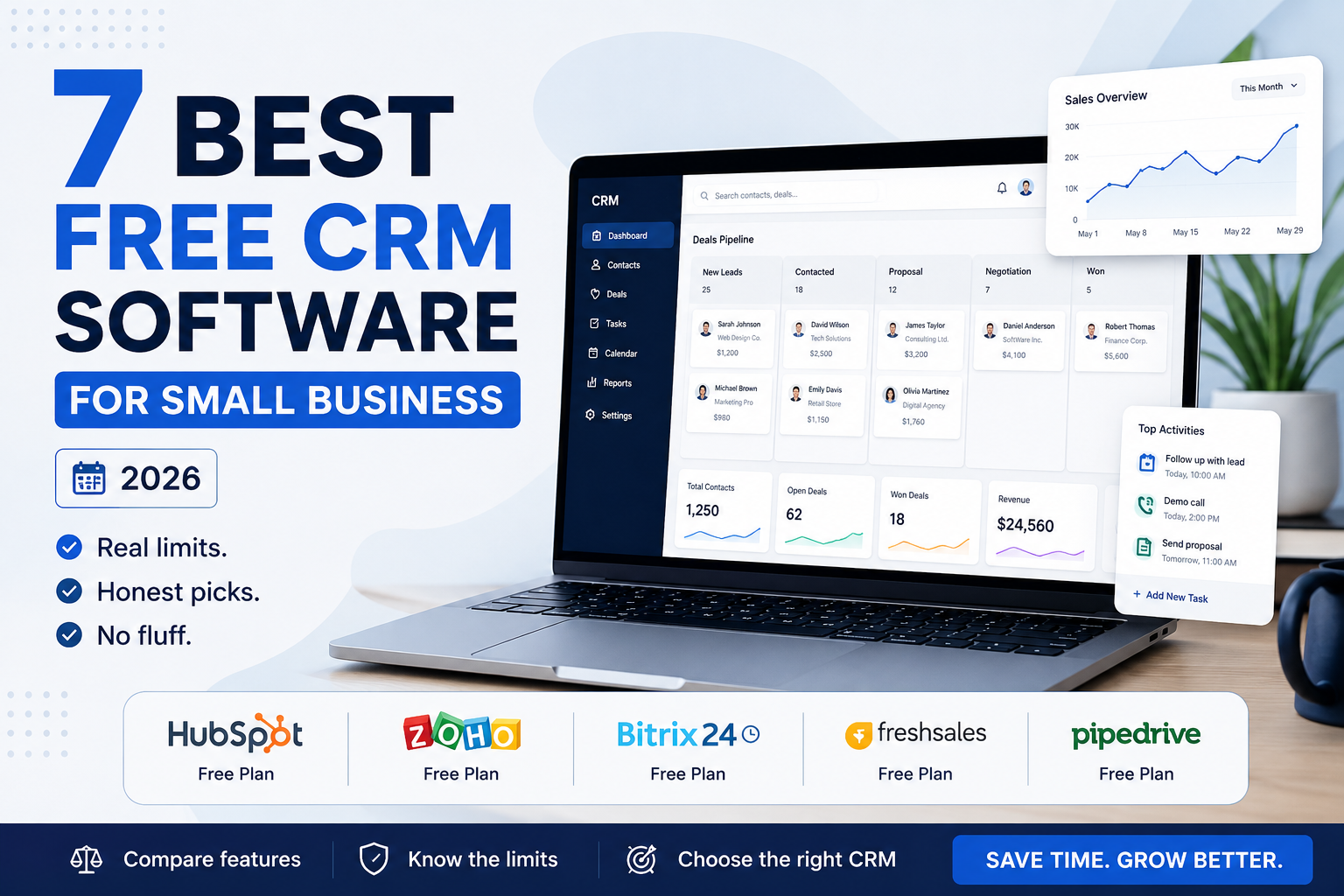
A spreadsheet works fine for tracking customers until it doesn’t — usually right around the point where you have enough leads that someone inevitably falls through the cracks. A CRM (customer relationship management) tool exists to solve that specific problem: one place to see who you’ve talked to, what was said, and what needs to happen next. The good news for a small business is that several genuinely capable CRMs are free, at least to start. The catch is that “free” means very different things depending on which one you pick.
This guide compares the best free CRM for small business options actually worth considering in 2026, what each one quietly leaves out, and how to think about which limits will matter for your specific business before you commit hours to setting one up.
Table of Contents
- What “Free CRM” Actually Means
- Comparing the Best Free CRM Options
- How to Choose Based on What Will Actually Break First
- Common Mistakes When Choosing a Free CRM
- Final Recommendation
What “Free CRM” Actually Means
Every CRM vendor on this list offers a genuinely free-forever plan — not a 14-day trial disguised as free, which is worth checking for directly before you sign up anywhere, since that distinction isn’t always obvious from a landing page. But free plans are built to convert you into a paying customer once your business grows past a specific limit, and that limit is different for every tool: some cap the number of users, some cap stored contacts, some cap which features you can touch at all (automation and reporting are the most common things held back). None of that makes the free tier a bad deal — it just means the right choice depends on which limit you’re likely to hit first.
Comparing the Best Free CRM Options for Small Business
| CRM | Free Plan Users | Biggest Free-Plan Limit | Cheapest Paid Plan |
|---|---|---|---|
| HubSpot CRM | Up to 2 | 1,000 contacts, no multi-step automation | ~$20/seat/month |
| Zoho CRM | Up to 3 | 5,000 records, limited customization | ~$14/user/month |
| Bitrix24 | Unlimited (with caveats) | 5 GB storage, no sales automation rules | Flat monthly rate, varies by tier |
| Freshsales | Up to 3 | No built-in marketing tools | ~$9/user/month |
| Pipedrive | No free plan | N/A — paid only | ~$14–24/user/month |
Pricing and limits on free software plans change often — treat the table above as a starting point and confirm current details on each provider’s own pricing page before deciding.
HubSpot CRM
HubSpot’s free plan is officially capped at two free users, which is the detail most beginner guides gloss over — older accounts sometimes carry legacy limits that no longer apply to new signups. What you do get for those two users is a genuinely complete CRM: contact and deal tracking, email tracking, forms, and live chat, all connected to the same underlying record. The free plan does not include multi-step automation, which is the feature most growing teams end up paying for first. HubSpot is worth starting with if you want a CRM that can grow into full marketing and sales software later without switching platforms — the free tier is really an on-ramp to that larger ecosystem, not a permanent home for a bigger team.
Zoho CRM
Zoho CRM‘s free plan supports up to three users and around 5,000 records, with fewer of the branding restrictions HubSpot’s free tier carries. It works especially well if you’re already using other Zoho products (Zoho Books, Zoho Desk, Zoho Mail), since everything connects natively without third-party integration work. The tradeoff is a less polished interface than HubSpot’s, and customization that takes more setup time upfront. For a small team that wants room to grow without an expensive jump to the next tier, Zoho’s paid plan starting around $14/user/month is one of the more affordable upgrade paths on this list.
Bitrix24
Bitrix24 breaks from the rest of this list by not capping free users at all — the limit instead shows up as 5 GB of storage and the absence of sales automation rules, custom reporting, and native calling. It bundles CRM with project management, internal chat, and a basic website builder, which makes it closer to a small operations hub than a CRM specifically. That breadth is also its main weakness: the interface has a steeper learning curve than HubSpot or Zoho, and a small team that only needs contact and deal tracking may find it more complex than necessary. It’s the strongest option specifically for a business that wants unlimited free seats and doesn’t mind the added complexity.
Freshsales
Freshsales (from Freshworks) caps its free plan at three users but includes built-in calling, which HubSpot and Zoho’s free tiers don’t offer. It’s built specifically for sales teams rather than combined sales-and-marketing use, so it skips email marketing and landing pages entirely — a reasonable tradeoff if your priority is a phone-and-pipeline workflow rather than a full marketing toolkit. Its paid tier starts lower than HubSpot’s, which makes it worth a look for a small sales team expecting to outgrow the free plan soon.
Pipedrive (No Free Plan, Included for Comparison)
Pipedrive doesn’t offer a free tier, but it’s worth knowing about because it’s frequently the answer to “the free CRM I tried felt too complicated.” It’s built almost entirely around a visual sales pipeline with very little else competing for attention, which makes it faster to learn than most of the free options above. If a free CRM you’re testing feels like it’s fighting you rather than helping, Pipedrive’s paid-only simplicity is a common next step — the cost buys focus, not just extra features.
How to Choose Based on What Will Actually Break First
Instead of asking “which free CRM has the most features,” it’s more useful to ask which limit you’re most likely to hit first — because that’s the limit that determines when you’ll actually need to pay.
- If your team will grow past 2–3 people soon: Bitrix24’s unlimited free users buys you more runway than HubSpot, Zoho, or Freshsales, even with its storage cap.
- If you already run other software from one vendor: pick the CRM from that ecosystem (Zoho if you use Zoho tools) to avoid integration work you’d otherwise pay for separately.
- If your sales process depends on phone calls: Freshsales’ built-in calling avoids a separate tool the other free plans don’t include.
- If you want a path into full marketing automation later: HubSpot’s free tier is the most natural on-ramp, even with the 2-user cap, because upgrading doesn’t mean switching platforms.
- If a free plan already feels overwhelming: that’s a real signal, not a failure on your part — Pipedrive’s paid-only simplicity solves a genuine problem the free options don’t.
Common Mistakes When Choosing a Free CRM
- Importing your entire contact list on day one. Most contact caps get hit immediately this way. Import your active pipeline first and add the rest gradually.
- Choosing based on the interface screenshot alone. A clean-looking demo doesn’t tell you whether the free plan supports your actual workflow — check the specific limits, not just the marketing page.
- Ignoring the branding on free-plan emails and forms. Several free tiers add the vendor’s own branding to anything customer-facing; decide upfront whether that matters for your business.
- Switching CRMs repeatedly instead of committing. Contact history and notes don’t transfer cleanly between platforms — the cost of switching twice is usually higher than paying for a slightly better fit the first time.
Final Recommendation
There’s no single best free CRM — there’s a best fit for your team size, your process, and which limitation you can live with longest. For most very small teams testing whether a CRM is worth the habit change at all, HubSpot’s free plan remains the easiest starting point precisely because it’s the most widely documented and has the clearest upgrade path if you outgrow it. For a team that expects to add people faster than budget, Bitrix24 is the more realistic free option. Either way, the CRM that actually gets used consistently by your team will always outperform the one with the longest feature list that nobody opens.
A CRM is only one part of a broader business systems setup — our guide to smart business strategies that actually generate revenue covers where a CRM fits alongside data-driven decision-making and automation more broadly, and our piece on AI marketing automation looks at what happens once you’re ready to connect your CRM to marketing workflows.
Author
Written by Alibashi Abdirahman Olad, founder and publisher of BashiOnline.
Disclaimer
Pricing and plan limits for third-party software are subject to change; verify current details on each provider’s official pricing page before purchasing. This article does not contain affiliate links to the products mentioned.